Setting Up a Tailwind CSS Theme for Drupal Canvas

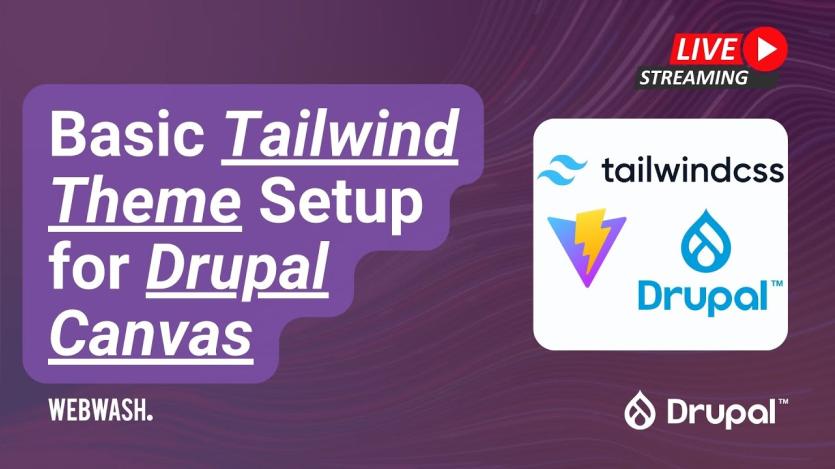
Ivan Zugec’s WebWash tutorial explains how to set up a custom Tailwind CSS theme for Drupal Canvas. The article shows how to generate the base theme using Drush, define regions in the .info.yml file, and configure Tailwind CSS with Vite so that utility classes are compiled into production styles. Templates are written in Twig to support both Canvas pages and standard Drupal pages, and preprocess functions are used to add Tailwind classes to Drupal elements such as menus, branding, and tabs without overriding core templates. The guide also includes practical steps for defining region layouts and assigning blocks in Drupal’s UI during theme setup.
Beyond the basic theme scaffolding, the post describes how to build reusable UI elements, called Single Directory Components, that work with Canvas. Examples include text, heading, hero image, card, and section grid components, each defined with its own metadata and template. The tutorial also points to the WebWash Tailwind Starter Site as a complete example that developers can explore before building their own themes. By following these steps, developers can integrate Tailwind’s utility‑first workflow into Canvas page builds, enabling responsive, modern styling within Drupal’s layout system.
ASK: Drupal Community Needs Your Support
View all →
Disclosure: This content is produced with the assistance of AI.
Disclaimer: The opinions expressed in this story do not necessarily represent that of TheDropTimes. We regularly share third-party blog posts that feature Drupal in good faith. TDT recommends Reader's discretion while consuming such content, as the veracity/authenticity of the story depends on the blogger and their motives.
Note: The vision of this web portal is to help promote news and stories around the Drupal community and promote and celebrate the people and organizations in the community. We strive to create and distribute our content based on these content policy. If you see any omission/variation on this please reach out to us at #thedroptimes channel on Drupal Slack and we will try to address the issue as best we can.

Related Drupal Initiatives

Related Organizations

Related People


You may also like