MCP Drupal Module 1.2.0-alpha1 Released: Brings Low-Code LLM Integration to Drupal

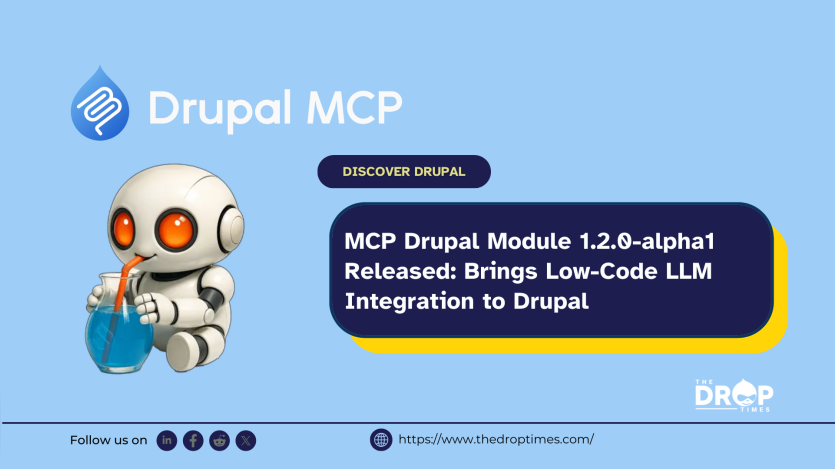
Version 1.2.0-alpha1 of the MCP Drupal module has been released, introducing powerful new features for integrating large language model (LLM) workflows into Drupal. Giorgi Jibladze published a video walk-through of the release, calling for community feedback and contributions to help prepare for the upcoming stable 1.2 version. He also gave a shoutout to Giorgi Gagoshidze for leading the update and to Omedia for sponsoring the work.
The Model Context Protocol (MCP), developed by Anthropic, the company behind Claude, has quickly become a widely adopted standard for enabling LLMs to dynamically access and act on local and remote data sources. The protocol provides a structured way for LLMs to retrieve context and execute actions, making it particularly relevant for real-time, context-aware applications.
Drupal, with its modular architecture, strong content management system, and extensive integration ecosystem, is well-positioned to serve as an MCP server. The MCP Drupal module allows any Drupal site to function as an MCP-capable endpoint, exposing content and services in ways LLMs can directly consume.
Key Features in 1.2.0-alpha1:
- Per-tool Configuration: Developers can fine-tune the behaviour of each tool individually, offering precise control over how Drupal content and services are exposed.
- MCP Studio: A low-code interface for composing complex workflows without heavy custom development. In one demo, a “Book a doctor appointment” flow was built entirely within MCP Studio—sending an authentication SMS, retrieving available appointment slots, and confirming a time—all without writing extensive code.
This release is currently an alpha version and not covered by Drupal’s official security advisory policy, signalling that it is intended for testing and feedback rather than immediate production use.
The development team is actively encouraging community input to refine features and accelerate progress toward a stable release.
Watch the demo video here to see the module in action:
ASK: Drupal Community Needs Your Support
View all →
Disclosure: This content is produced with the assistance of AI.
Note: The vision of this web portal is to help promote news and stories around the Drupal community and promote and celebrate the people and organizations in the community. We strive to create and distribute our content based on these content policy. If you see any omission/variation on this please reach out to us at #thedroptimes channel on Drupal Slack and we will try to address the issue as best we can.

Related Organizations

Related People


You may also like