Essential Debugging in Drupal: Displaying Errors & Inspecting Variables

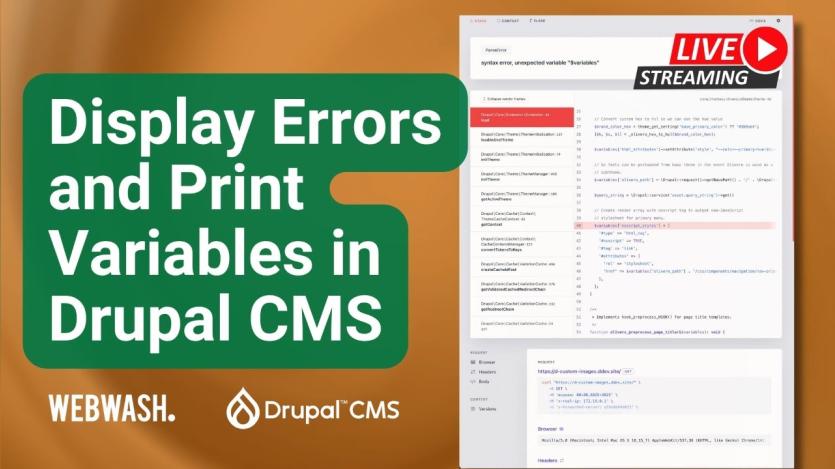
Troubleshooting Drupal can be a frustrating task when errors are hidden behind blank screens or obscure logs — but all of that changes with the right tools and configuration. In his blog post, Ivan Zugec guides you through how to display error messages in Drupal CMS and introduces essential modules and commands for uncovering issues swiftly.
The article dives into practical techniques: enabling error reporting (via UI or Drush), using the WebProfiler toolbar for execution insights, and employing modules like Devel and Kint to inspect variables. It also covers how to use dump()/dd(), debug theme variables in Twig, and switch into full step‐through debugging with Xdebug — providing a clear path from simple error display to advanced debugging workflows.

ASK: Drupal Community Needs Your Support
View all →
Disclosure: This content is produced with the assistance of AI.
Disclaimer: The opinions expressed in this story do not necessarily represent that of TheDropTimes. We regularly share third-party blog posts that feature Drupal in good faith. TDT recommends Reader's discretion while consuming such content, as the veracity/authenticity of the story depends on the blogger and their motives.
Note: The vision of this web portal is to help promote news and stories around the Drupal community and promote and celebrate the people and organizations in the community. We strive to create and distribute our content based on these content policy. If you see any omission/variation on this please reach out to us at #thedroptimes channel on Drupal Slack and we will try to address the issue as best we can.

Related Organizations

Related People


You may also like