How to Create Tables in Drupal: CKEditor, TableField, Paragraphs, Views, and More

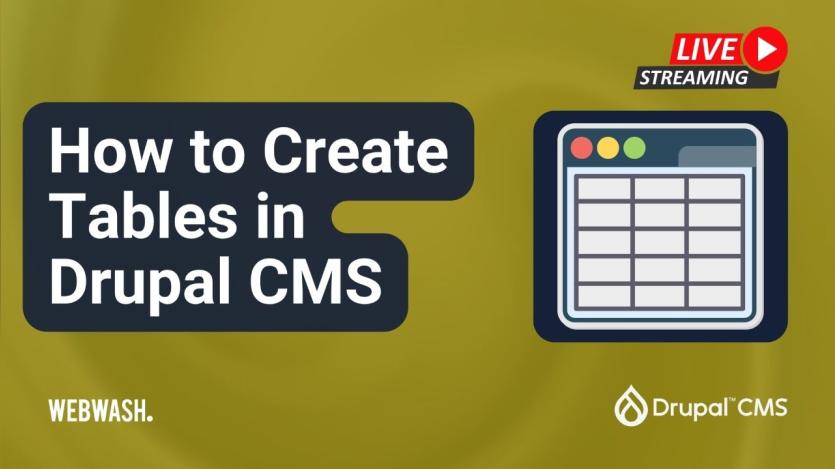
Creating tables in Drupal can range from straightforward to sophisticated, as Ivan Zugec outlines in a detailed WebWash tutorial. He begins with CKEditor, Drupal’s default WYSIWYG editor, which supports basic table creation natively—ideal for quick, inline tabular content. Editors can insert rows, merge cells, and even paste directly from Google Sheets.
For structured table fields, Ivan explores the TableField and Ultimate Table Field modules. These allow deeper configuration, including CSV imports, field-level table creation, and flexible data types like links and files. The Paragraphs Table module combines Drupal Paragraphs with a tabular editing UI, enabling frontend data entry and various rendering formats such as Bootstrap or Google Charts.
The tutorial also covers how to build responsive tables using Drupal Views, complete with filters, sorting, and Ajax pagination. For developers, a custom-code approach using the DataTables JavaScript library is shown—ideal for adding dynamic interactions like search and exporting. Ivan concludes by helping users match each method to their specific content and workflow needs.

ASK: Drupal Community Needs Your Support
View all →
Disclosure: This content is produced with the assistance of AI.
Disclaimer: The opinions expressed in this story do not necessarily represent that of TheDropTimes. We regularly share third-party blog posts that feature Drupal in good faith. TDT recommends Reader's discretion while consuming such content, as the veracity/authenticity of the story depends on the blogger and their motives.
Note: The vision of this web portal is to help promote news and stories around the Drupal community and promote and celebrate the people and organizations in the community. We strive to create and distribute our content based on these content policy. If you see any omission/variation on this please reach out to us at #thedroptimes channel on Drupal Slack and we will try to address the issue as best we can.

Related Organizations

Related People


You may also like