Speakeasy 1.2 Brings Browser-Native Text-to-Speech to Drupal

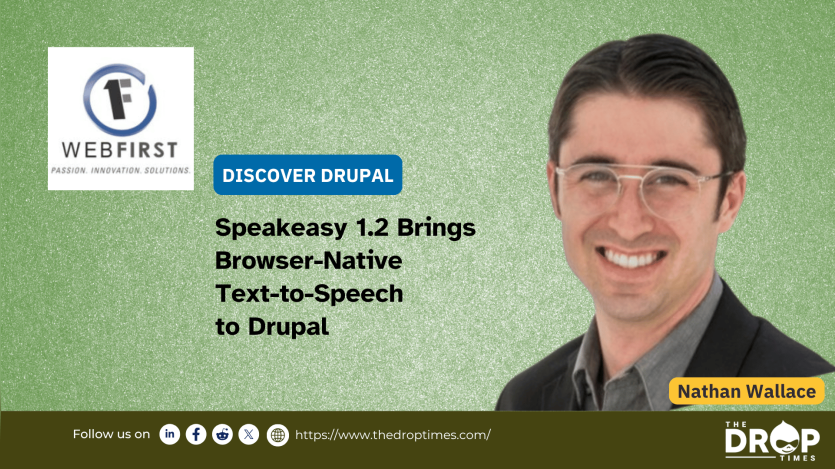
Speakeasy 1.2 brings browser-native text-to-speech to Drupal, letting visitors listen to on-page content without relying on third-party APIs or external services. Built on the Web Speech API, the module adds speech controls directly inside node views and supports Drupal 9, 10, and 11.
With Speakeasy, my goal was to make audio accessibility simple and native to Drupal—no tokens, no API keys, no cloud dependencies. The 1.2 release introduces sentence highlighting, per-browser voice whitelisting, and user preferences that remember a visitor’s chosen voice and playback speed.
Adding Speech to Any Drupal Site
Site builders can place the Speakeasy playback block anywhere on node views—above content, inline, or as a simple link. It reads selected fields such as title and body and provides user-adjustable playback speed. When enabled, sentence highlighting keeps readers visually in sync with spoken content.
A fellow developer, Bill Renk, shared how he used Speakeasy for a word-learning app for his daughter:
“I was looking for something that would add speech to a word app I was building for my daughter, who's learning to read, and this fit the bill perfectly with its cross-browser support!”
Theming and Configuration
Speakeasy ships with default and Olivero-inspired themes for quick setup. Developers can also disable the bundled styles and provide their own CSS for full control. Configuration lives under /admin/config/speakeasy, where administrators set global defaults, allow or disable the voice picker, and whitelist voices that sound best across target browsers.
Three Steps to Add Text-to-Speech
- Configure defaults at
/admin/config/speakeasy, choosing a theme, enabling or disabling the voice picker, and whitelisting browser voices. - Place the Speakeasy block on node pages for the Article content type and enable sentence highlighting.
- Grant users access to
/user/speakeasy/preferencesso they can save preferred voice and speed settings.
Ideal for News and Media Sites
For publishers, Speakeasy provides an instant “Listen to this article” feature without additional editorial work or licensing costs. Once the block is placed on the Article content type, it automatically enables audio playback for every new story.
Beyond media, Speakeasy supports a wide range of accessibility-focused use cases:
- Government and Civic: Read meeting minutes, service updates, or emergency notices aloud.
- Higher Education: Voice course announcements or policy pages.
- Nonprofits and Healthcare: Narrate help-desk content or eligibility instructions.
Why It Works
- Accessibility & Inclusion: Offers a native alternative for consuming long-form content.
- Low friction for editors: Works site-wide after one-time setup.
- User control: Readers can pick a voice, adjust playback speed, and save preferences.
- Lightweight design: Uses the browser’s own SpeechSynthesis API—no external cost or maintenance.
Sponsored by WebFirst, Speakeasy provides a zero-infrastructure, privacy-respecting text-to-speech solution that’s easy to roll out and easy to theme.
Speakeasy is available for free on Drupal.org. I welcome feedback, contributions, and accessibility-focused feature ideas from the Drupal community.
Nathan Wallace is a program manager and Drupal builder focused on federal digital services at WebFirst. He serves as Vice Chair of Drupal4Gov and frequently speaks on accessibility and emerging web technology.
 Nathan WallaceSpotlighting the people, patches, and projects that move Drupal

ASK: Drupal Community Needs Your Support
View all →
Disclosure: This content is produced with the assistance of AI.
Note: The vision of this web portal is to help promote news and stories around the Drupal community and promote and celebrate the people and organizations in the community. We strive to create and distribute our content based on these content policy. If you see any omission/variation on this please reach out to us at #thedroptimes channel on Drupal Slack and we will try to address the issue as best we can.

Related Organizations

Related People


You may also like