Freelock Spotlights Accessible Form Error Handling in Drupal

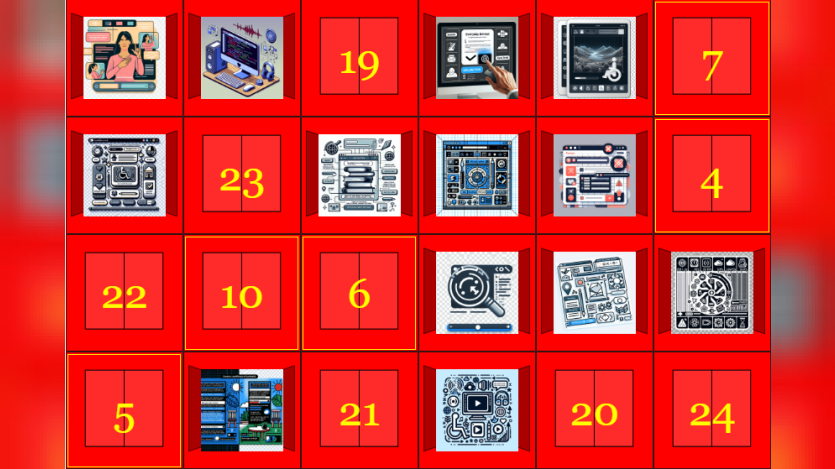
Freelock’s Day 17 entry in the Drupal Advent Calendar explores the importance of accessible and effective form error handling. It highlights how vague or non-specific error messages—like “There was an error”—can frustrate users and lead to abandoned forms, particularly in high-stakes contexts like e-commerce checkouts and registration flows. The post emphasizes that users need to know what went wrong and how to fix it, and that accessible error messaging benefits all users, including those with cognitive or visual disabilities.
The blog references WCAG standards requiring that errors be clearly identified and explained, with actionable suggestions when possible. Freelock outlines best practices such as inline error messages tied programmatically to form fields using ARIA attributes, error summaries at the top of forms, visual indicators that go beyond color, and preserving user input during validation. Drupal’s Inline Form Errors module, included in core since version 8.5, handles most of this automatically by providing linked error summaries and accessible inline messages for any form built using the Form API.
While Drupal offers strong default support, the post also compares WordPress plugins and notes that many lack consistent error handling. Freelock encourages developers to test forms by intentionally triggering errors and using screen readers to confirm accessibility. The post concludes that clear, persistent, and well-placed error messages significantly improve user experience and form completion rates, making them essential for inclusive design.

ASK: Drupal Community Needs Your Support
View all →
Disclosure: This content is produced with the assistance of AI.
Disclaimer: The opinions expressed in this story do not necessarily represent that of TheDropTimes. We regularly share third-party blog posts that feature Drupal in good faith. TDT recommends Reader's discretion while consuming such content, as the veracity/authenticity of the story depends on the blogger and their motives.
Note: The vision of this web portal is to help promote news and stories around the Drupal community and promote and celebrate the people and organizations in the community. We strive to create and distribute our content based on these content policy. If you see any omission/variation on this please reach out to us at #thedroptimes channel on Drupal Slack and we will try to address the issue as best we can.

Related Organizations

Related People


You may also like