Drupal Views Infinite Scroll Module Introduces Page Control Feature

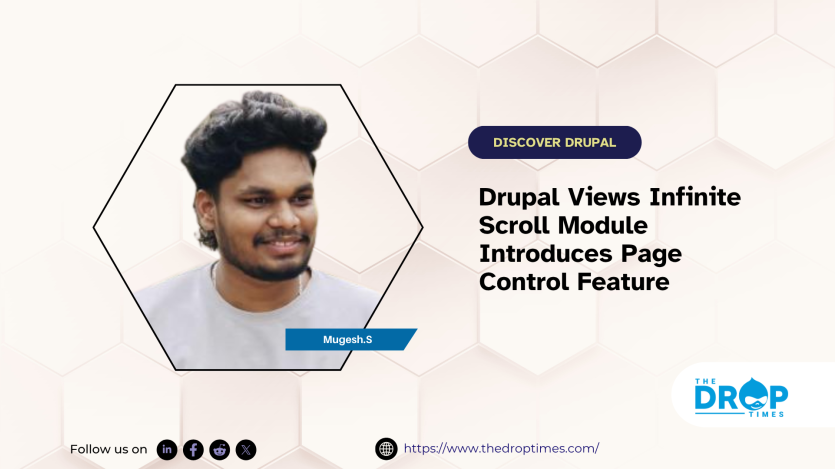
Drupal’s Views Infinite Scroll module has gained a new Page Control feature, courtesy of contributor Mugesh S. The enhancement lets site builders set separate item counts for the first page and all subsequent pages within a view. By defining a custom number of featured items on initial load and a different count on scroll, the update boosts layout flexibility and refines the browsing experience without altering existing Infinite Scroll configurations.
Feature activation is handled via a new “Enable Page Control” checkbox in the pager settings. Once checked, the standard Items per page field is hidden and replaced with two inputs: “Items for the first page” and “Items for the other pages.” Behind the scenes, the pagination logic dynamically adjusts per-page limits, offsets, and total counts; updates to the getRemainingItems() and getNumberItemsLeft() methods ensure accurate item tracking. Conditional #states logic governs field visibility, keeping the Views UI clean and intuitive.
A typical implementation might display four items on page 0 and then load two items on each scroll. The patch and merge request are published on Drupal.org for community review, testing, and feedback. Readers can view the patch and leave comments on the Views Infinite Scroll project page on drupal.org for more information.


ASK: Drupal Community Needs Your Support
View all →
Note: The vision of this web portal is to help promote news and stories around the Drupal community and promote and celebrate the people and organizations in the community. We strive to create and distribute our content based on these content policy. If you see any omission/variation on this please reach out to us at #thedroptimes channel on Drupal Slack and we will try to address the issue as best we can.

Related People


You may also like