How to Export Data from Drupal Views with the Views Data Export Module

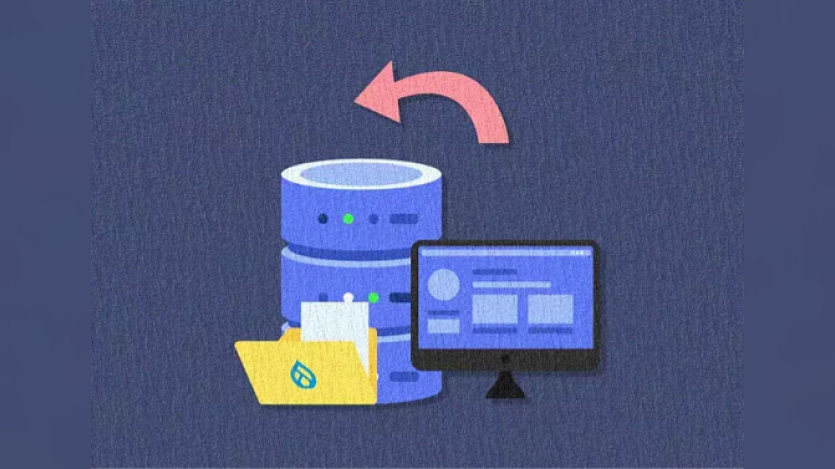
A blog post from Specbee explains how the Views Data Export module can simplify exporting large datasets from Drupal Views into formats like CSV, JSON, or XML. Instead of creating custom modules, site builders can use this contrib module to streamline reporting, migrations, and analysis tasks.
The tutorial covers everything from installing the module via Composer—along with its dependency on CSV Serialization—to enabling it with Drush. Users then configure export displays by duplicating existing Views and selecting export formats and batch options.
Once set up, a download button appears at the bottom of the view, allowing users to instantly export filtered results. The module also supports progressive batch operations, ensuring better performance when handling large datasets. Authored by Akshaya Devadiga in 2021, the tutorial was updated in September 2025 to reflect Drupal 10 workflows and best practices.
Read the full tutorial on Specbee’s blog to get step-by-step instructions and screenshots for setting up efficient data exports.

ASK: Drupal Community Needs Your Support
View all →
Disclosure: This content is produced with the assistance of AI.
Disclaimer: The opinions expressed in this story do not necessarily represent that of TheDropTimes. We regularly share third-party blog posts that feature Drupal in good faith. TDT recommends Reader's discretion while consuming such content, as the veracity/authenticity of the story depends on the blogger and their motives.
Note: The vision of this web portal is to help promote news and stories around the Drupal community and promote and celebrate the people and organizations in the community. We strive to create and distribute our content based on these content policy. If you see any omission/variation on this please reach out to us at #thedroptimes channel on Drupal Slack and we will try to address the issue as best we can.

Related Organizations

Related People


You may also like